텍스트 → 이미지화풍스타일 가이드
초록 물뿌리개 하나 · 망점 크기로 만드는 명암
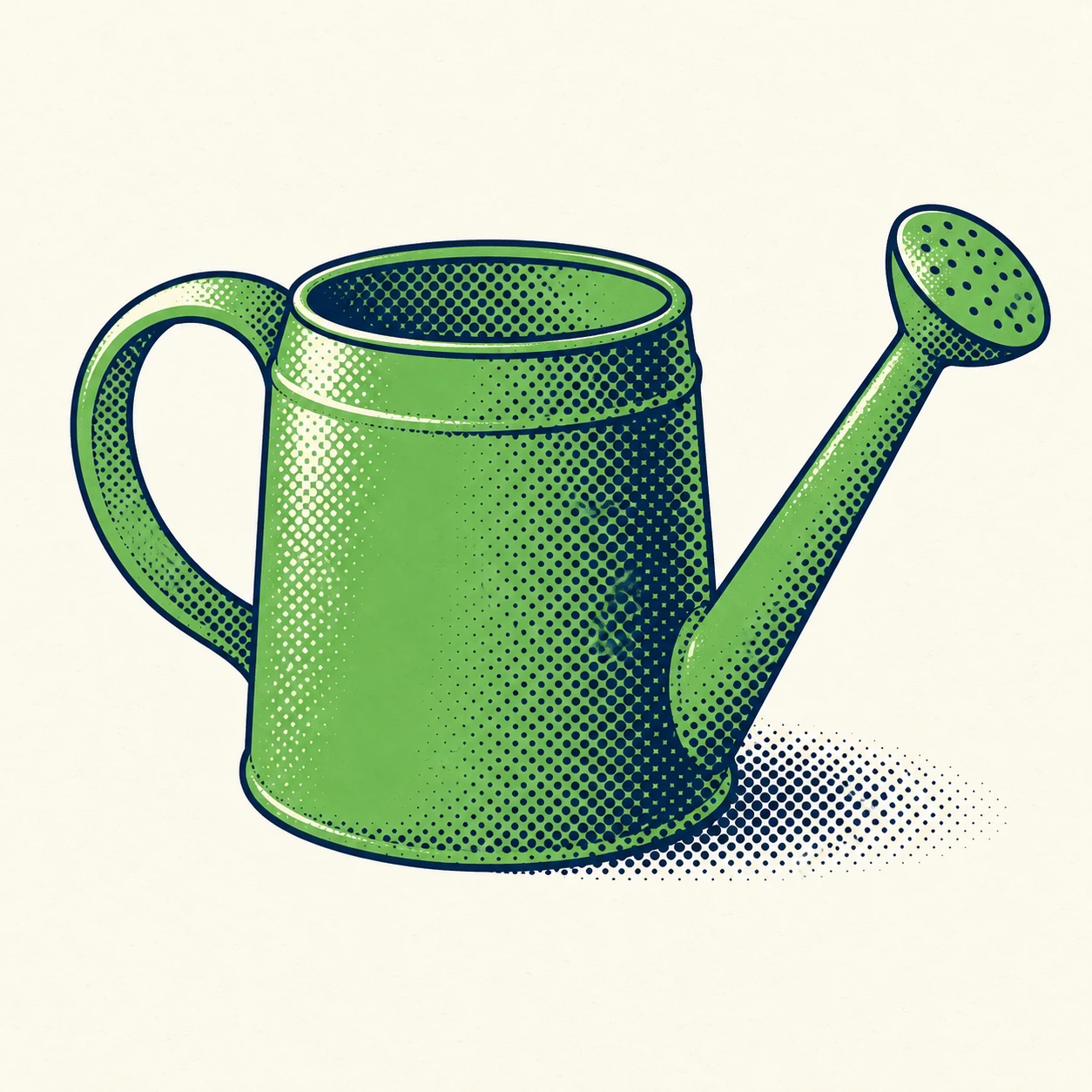
일정한 간격의 망점 크기를 바꾸어 물뿌리개의 둥근 몸체와 그림자를 표현하는 인쇄풍 이미지.
초록 물뿌리개 하나 · 망점 크기로 만드는 명암
- 형태·선
- 몸체, 손잡이, 주둥이를 단순한 곡선 형태와 일정한 굵기의 짙은 남색 윤곽선으로 구성한다. 손잡이 안쪽의 빈 공간을 선명하게 남기고 윗테두리는 기울어진 타원으로 그려 입체적인 용기로 읽히게 한다.
- 색·명암
- 평평한 잎색 초록 바탕 위에 남색 망점으로 명암을 얹는다. 빛은 화면 왼쪽 위에서 오도록 하여 몸체 왼쪽 위에 아이보리 하이라이트를 남기고, 화면 오른쪽 면과 밑면으로 갈수록 그림자 점을 키우며, 바닥의 오른쪽 아래에는 짧은 망점 그림자를 뻗게 한다.
- 질감·재질
- 일정한 간격의 대각 격자 위에 가장자리가 또렷한 원형 망점을 배치한다. 간격 대신 점의 지름을 바꾸어 명암을 조절하고, 작고 떨어진 점에서 크고 거의 맞닿는 점으로 진행시킨다. 평평한 잉크 면은 깨끗하게 유지하고 종이 결은 희미하게만 더한다.
- 구도
- 물뿌리개가 화면 중앙의 약 삼분의 이를 차지하도록 배치한다. 화면 왼쪽 손잡이의 안쪽 공간과 오른쪽 주둥이 주변에 읽기 쉬운 아이보리 틈을 확보하고, 망점 격자는 명암이 있는 형태와 바닥 그림자 안에만 넣어 주변 바탕을 차분하게 유지한다.
우선순위
점 크기의 변화가 명암을 만드는 가장 뚜렷한 수단이 되게 한다.
피할 표현과 결과 확인
무작위 점묘, 부드러운 그라데이션 명암, 여러 색의 점묘는 피한다.
화면 오른쪽의 그림자 면으로 갈수록 점이 커지면서도 일정한 간격을 유지하는지 확인한다.
이 예시의 실제 생성 프롬프트
SUBJECT
Show exactly one green watering can with a rounded cylindrical body, an arched handle attached on image-left, and a long spout extending upward toward image-right. Connect the spout visibly to the lower body and finish it with a small oval sprinkler head.

COMPOSITION
Use a slightly elevated three-quarter view that reveals the top opening and curved front wall. Center the complete watering can on a plain warm ivory ground, with generous margins around the handle and sprinkler head.

STYLE GUIDE
1. Shape & line
Construct the body, handle, and spout with simplified curved shapes and a consistent dark navy outline. Keep the handle opening clearly visible, and use a tilted oval for the top rim so the can reads as a solid vessel.

2. Color & light
Lay a flat leaf-green base beneath navy halftone shading. Place the light on image-upper-left: reserve an ivory highlight along the upper-left body, enlarge shadow dots toward the image-right side and underside, and extend a compact dotted cast shadow onto the ground at lower-right.

3. Texture & material
Build the halftone from crisp circular dots on one evenly spaced diagonal grid. Change dot diameter rather than spacing to shift tone, progressing from small isolated dots to large nearly touching dots; keep the flat ink areas clean and add only a faint paper grain.

4. Composition
Let the can occupy roughly the middle two-thirds of the frame. Separate the image-left handle opening and image-right spout from the body silhouette with readable ivory gaps, and confine the dot grid to the shaded forms and cast shadow so the surrounding ground stays quiet.

PRIORITY
Preserve the requested identity, count, action, composition and output settings. Apply the style rules within those constraints; a style reference must not replace the subject or layout. Within the style: Make dot-size changes the clearest source of tonal modeling.

AVOID
Avoid random stippling, soft gradient shading, and multicolored pointillist dots.

OUTPUT
Create one square image, aspect ratio 1:1, with no lettering, labels, numbers, logos, or watermark.

SELF-CHECK
Check that the dots retain regular spacing while growing larger toward the shadowed image-right side.
모델명은 이미지 출처 정보 기준입니다. 같은 프롬프트를 사용해도 결과는 달라질 수 있습니다.