Text to imageProductStyle guide
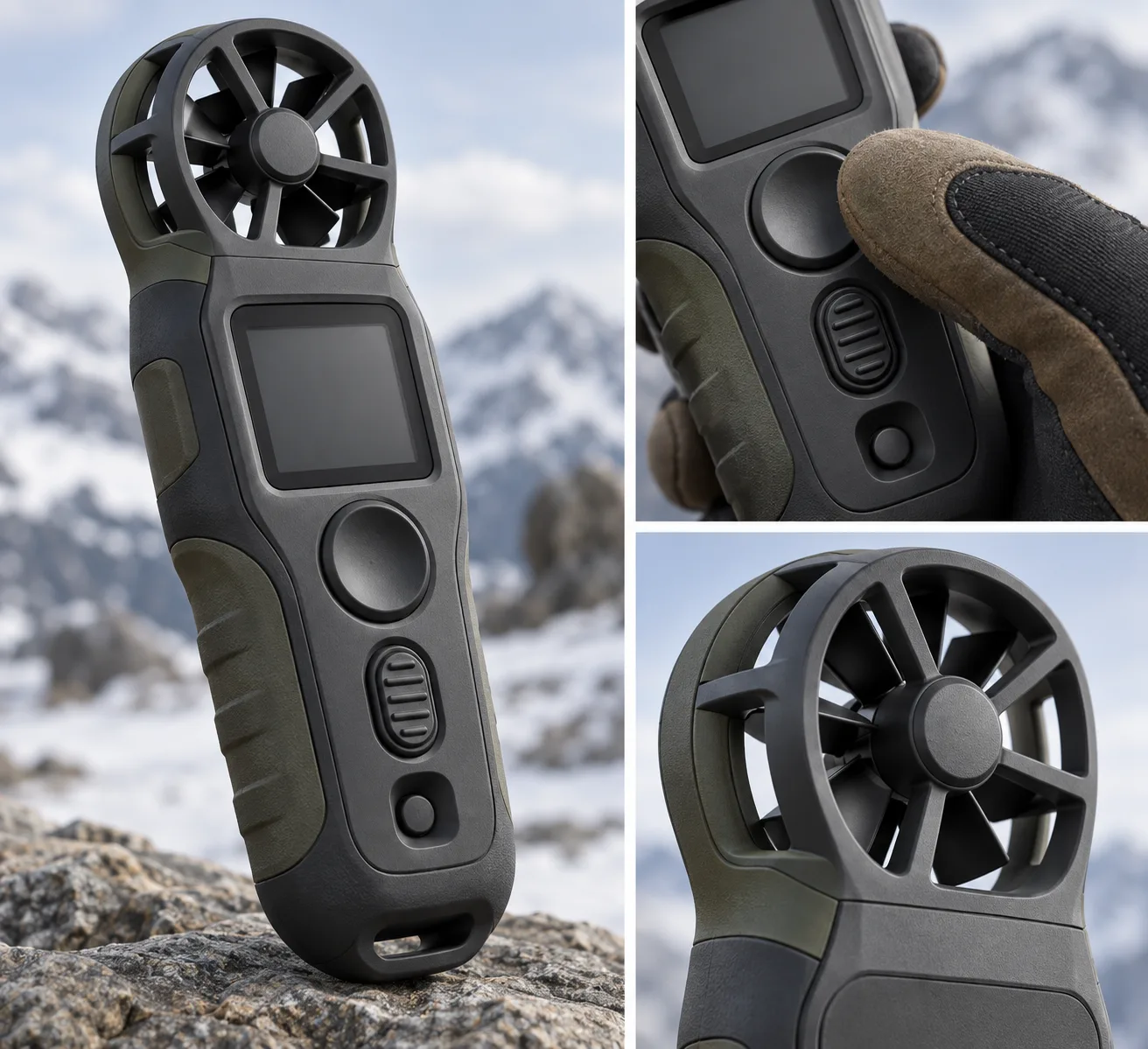
Pocket Wind Meter · Tactile Control Hierarchy
Make a device's controls distinguishable by touch and use order.
Pocket Wind Meter · Tactile Control Hierarchy
- 1
- Differentiate primary, secondary, and reset controls by shape and tactile texture.
- 2
- Place controls along a natural gloved-thumb path on the gripped device.
- 3
- Show a protected but visibly open airflow path through the sensor guard.
- 4
- Pair one hero view with two detail views of the same consistent product.
Priority
Preserve the four style rules when changing subject or composition.
What to avoid & what to check
Avoid unwanted lettering, logos and watermarks.
Check silhouette and composition at thumbnail size.
Build assets in this style
Shared style locked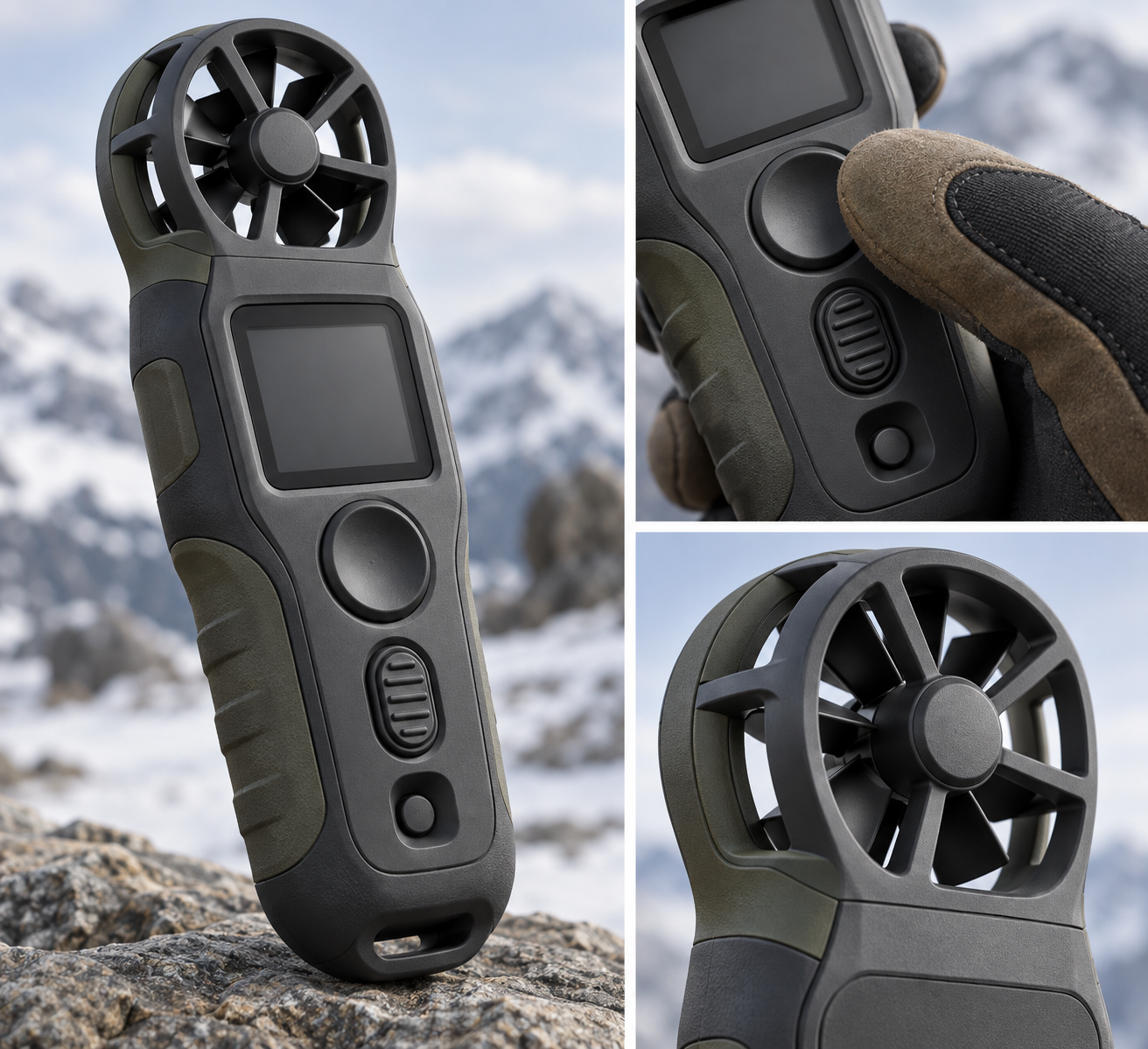
Exact prompt for this example
Exact prompt · Original
Create a product-design reference for an original pocket wind meter used outdoors with gloves. Show one large three-quarter hero view and two small detail views of the same device: a thumb approaching the main control and a close view of the sensor guard. Make the primary capture button broad and concave, the secondary mode control narrow with raised ribs, and the recessed reset control difficult to press accidentally. Arrange these controls in the order a hand naturally encounters them while gripping the matte, weatherproof body. Expose the protected airflow path through the sensor guard without making it fragile. Use clean industrial design rendering with believable molded seams, restrained material differences, and soft shadows that reveal depth. Leave the screen blank so form and touch cues lead. No labels, readable lettering, third-party logos, or watermarks.
Model information comes from image provenance. The same prompt may produce a different result.