Text to imageCafe & brandStyle guide
Local Sock Mending · Counterchange
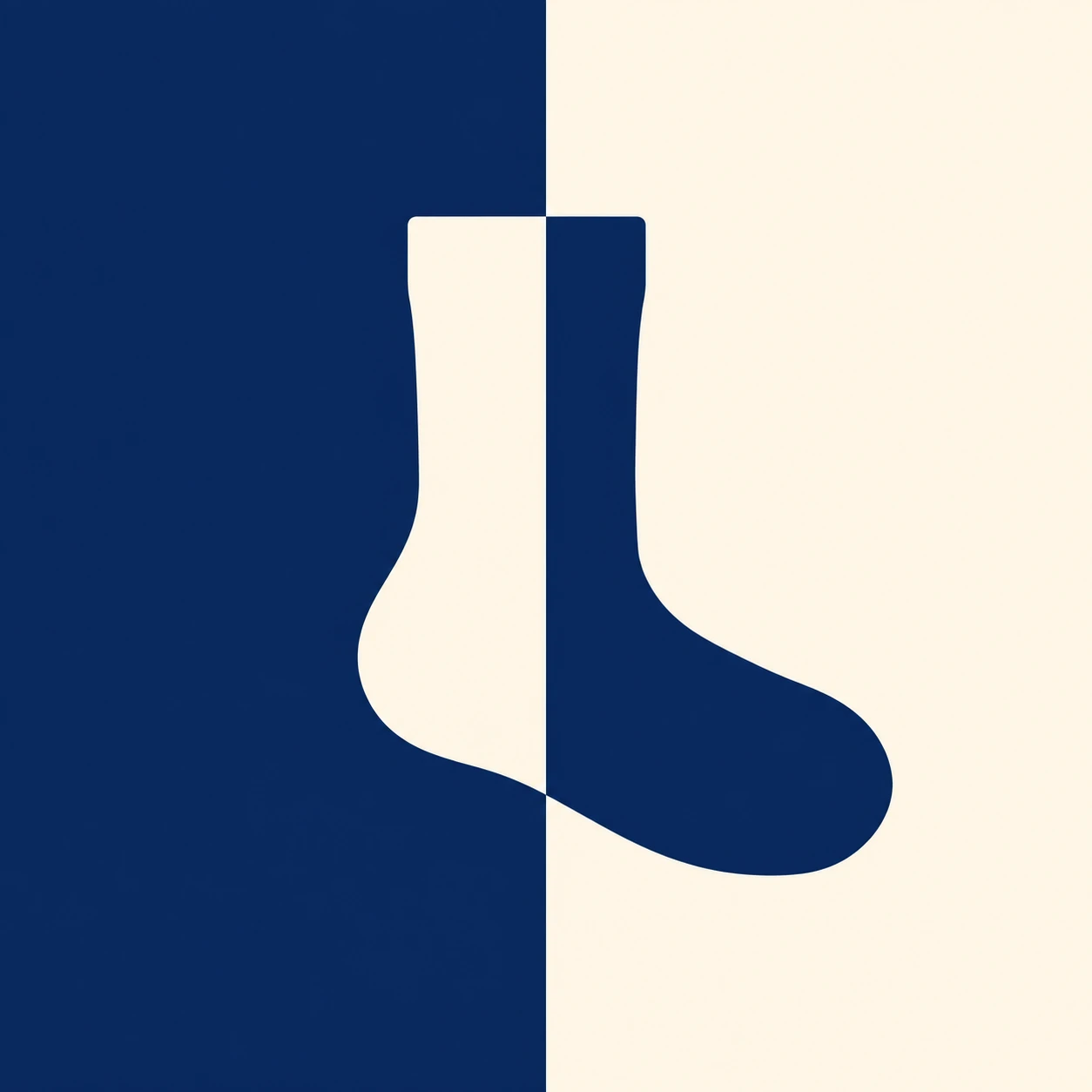
A brand graphic that reverses a sock symbol’s colors across a two-color background boundary while preserving one readable silhouette.
Local Sock Mending · Counterchange
- Shape & line
- Build the sock as one continuous solid silhouette with a straight cuff, gently rounded heel, and broad rounded toe pointing image-right. Keep the outer contour identical through the color change; use no outline or internal seam marks.
- Color & light
- Fill the image-left background with deep navy and the image-right background with warm cream. Make every part of the sock on the navy field cream and every part on the cream field navy, switching exactly at the same visible vertical boundary without a gap, overlap, gradient, or shadow.
- Texture & material
- Give both colors an even, opaque matte-ink appearance on smooth paper. Keep the fields visually uniform and the edges crisp so the color reversal, rather than fabric detail or surface grain, carries the identity.
- Composition
- Place the vertical boundary through the interior of the sock’s leg and foot, leaving substantial visible sock area on both sides. Let the symbol occupy roughly half the image height, with clear margins above the cuff and below the sole, so the two colored portions read together as one sock.
Priority
Prioritize an uninterrupted sock silhouette and a clearly aligned foreground–background color reversal.
What to avoid & what to check
Avoid separating the sock into two objects or adding a divider line along the color boundary.
Check that one sock remains recognizable and its fill reverses precisely where the background changes.
Exact prompt for this example
SUBJECT
Create a brand symbol for a small neighborhood sock-mending service: exactly one upright sock silhouette with its toe pointing toward image-right. The sock crosses a vertical two-color background boundary, and its fill reverses against each background half.

COMPOSITION
Use a square, straight-on graphic framing. Divide the image vertically at the center and position the sock across that division, with its leg straddling the boundary and its foot extending toward image-right. Leave generous open space around the complete symbol.

STYLE GUIDE
1. Shape & line
Build the sock as one continuous solid silhouette with a straight cuff, gently rounded heel, and broad rounded toe pointing image-right. Keep the outer contour identical through the color change; use no outline or internal seam marks.

2. Color & light
Fill the image-left background with deep navy and the image-right background with warm cream. Make every part of the sock on the navy field cream and every part on the cream field navy, switching exactly at the same visible vertical boundary without a gap, overlap, gradient, or shadow.

3. Texture & material
Give both colors an even, opaque matte-ink appearance on smooth paper. Keep the fields visually uniform and the edges crisp so the color reversal, rather than fabric detail or surface grain, carries the identity.

4. Composition
Place the vertical boundary through the interior of the sock’s leg and foot, leaving substantial visible sock area on both sides. Let the symbol occupy roughly half the image height, with clear margins above the cuff and below the sole, so the two colored portions read together as one sock.

PRIORITY
Preserve the requested identity, count, action, composition and output settings. Apply the style rules within those constraints; a style reference must not replace the subject or layout. Within the style: Prioritize an uninterrupted sock silhouette and a clearly aligned foreground–background color reversal.

AVOID
Avoid separating the sock into two objects or adding a divider line along the color boundary.

OUTPUT
Produce one 1:1 image as a clean, flat brand-reference graphic, with no lettering, numbers, captions, or watermark.

SELF-CHECK
Check that one sock remains recognizable and its fill reverses precisely where the background changes.
Model information comes from image provenance. The same prompt may produce a different result.