Text to imageCafe & brandStyle guide
Local Key Shop · Stencil Bridges
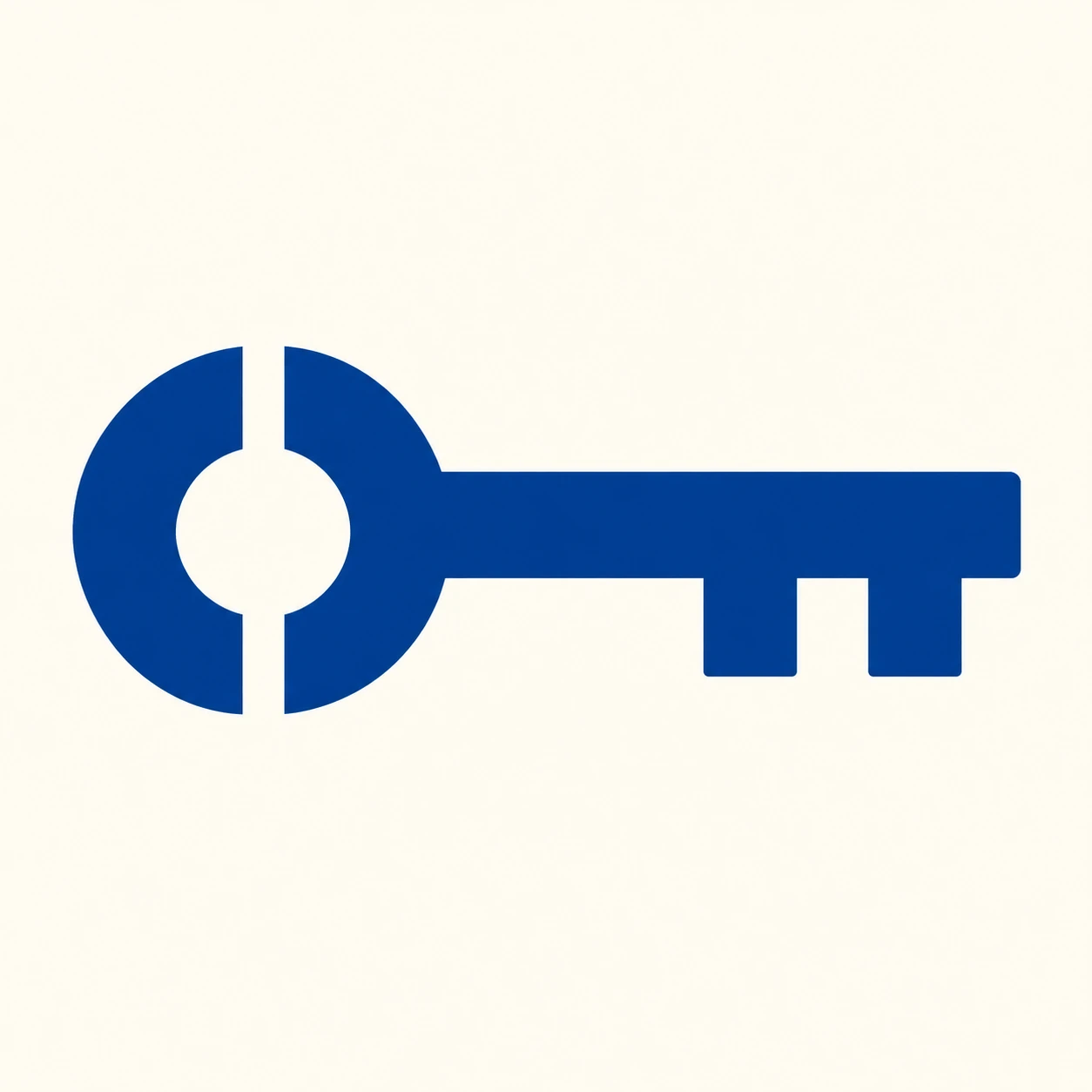
Background-colored bridges cross the top and bottom of a key’s bow to create a clear stencil brand mark that holds up at small sizes.
Local Key Shop · Stencil Bridges
- Shape & line
- Build the key from a bold circular bow and a broad rectangular shaft with two squared teeth. Cut a narrow, clearly visible background-colored channel through the bow at twelve o’clock and another at six o’clock, so the circular counter connects to the exterior and neither channel interrupts the shaft.
- Color & light
- Fill the key with one solid deep blue against a warm ivory background. Give the counter and both channels exactly the background color, keeping every boundary crisp and the entire mark evenly colored without modeled lighting.
- Texture & material
- Use the clean surface of a freshly applied stencil print: opaque, uninterrupted ink fields and smooth cut edges. Keep the open channels free of grain or ink flecks so their connection to the background remains unmistakable.
- Composition
- Place the circular bow in the left half and the toothed end in the right half, balancing their visual weight within generous margins. Keep the top and bottom channels aligned vertically through the bow’s center and preserve enough dark arc on either side for the bow to read as a circle.
Priority
Make the counter’s two open connections to the background the defining feature.
What to avoid & what to check
Avoid a closed bow counter, hairline channels, and dimensional shading.
Confirm that both channels remain visible at thumbnail size and the silhouette still reads as one key.
Exact prompt for this example
SUBJECT
Create one original brand symbol for a local key shop: a single horizontal key with its circular bow on image-left, a straight shaft extending toward image-right, and two broad teeth projecting downward near the right end. The bow has one circular background-colored counter connected to the surrounding background through open channels at its top and bottom.

COMPOSITION
Present the key straight-on in a centered square frame, with generous clear space around its silhouette. Keep the complete key visible and large enough for the two channels through the bow to read immediately.

STYLE GUIDE
1. Shape & line
Build the key from a bold circular bow and a broad rectangular shaft with two squared teeth. Cut a narrow, clearly visible background-colored channel through the bow at twelve o’clock and another at six o’clock, so the circular counter connects to the exterior and neither channel interrupts the shaft.

2. Color & light
Fill the key with one solid deep blue against a warm ivory background. Give the counter and both channels exactly the background color, keeping every boundary crisp and the entire mark evenly colored without modeled lighting.

3. Texture & material
Use the clean surface of a freshly applied stencil print: opaque, uninterrupted ink fields and smooth cut edges. Keep the open channels free of grain or ink flecks so their connection to the background remains unmistakable.

4. Composition
Place the circular bow in the left half and the toothed end in the right half, balancing their visual weight within generous margins. Keep the top and bottom channels aligned vertically through the bow’s center and preserve enough dark arc on either side for the bow to read as a circle.

PRIORITY
Preserve the requested identity, count, action, composition and output settings. Apply the style rules within those constraints; a style reference must not replace the subject or layout. Within the style: Make the counter’s two open connections to the background the defining feature.

AVOID
Avoid a closed bow counter, hairline channels, and dimensional shading.

OUTPUT
Return one square image of a flat graphic brand mark on a plain background, with no lettering, numbers, captions, or watermark.

SELF-CHECK
Confirm that both channels remain visible at thumbnail size and the silhouette still reads as one key.
Model information comes from image provenance. The same prompt may produce a different result.