Text to imageCafe & brandStyle guide
Local Cherry Stand · Shared-Edge Outlining
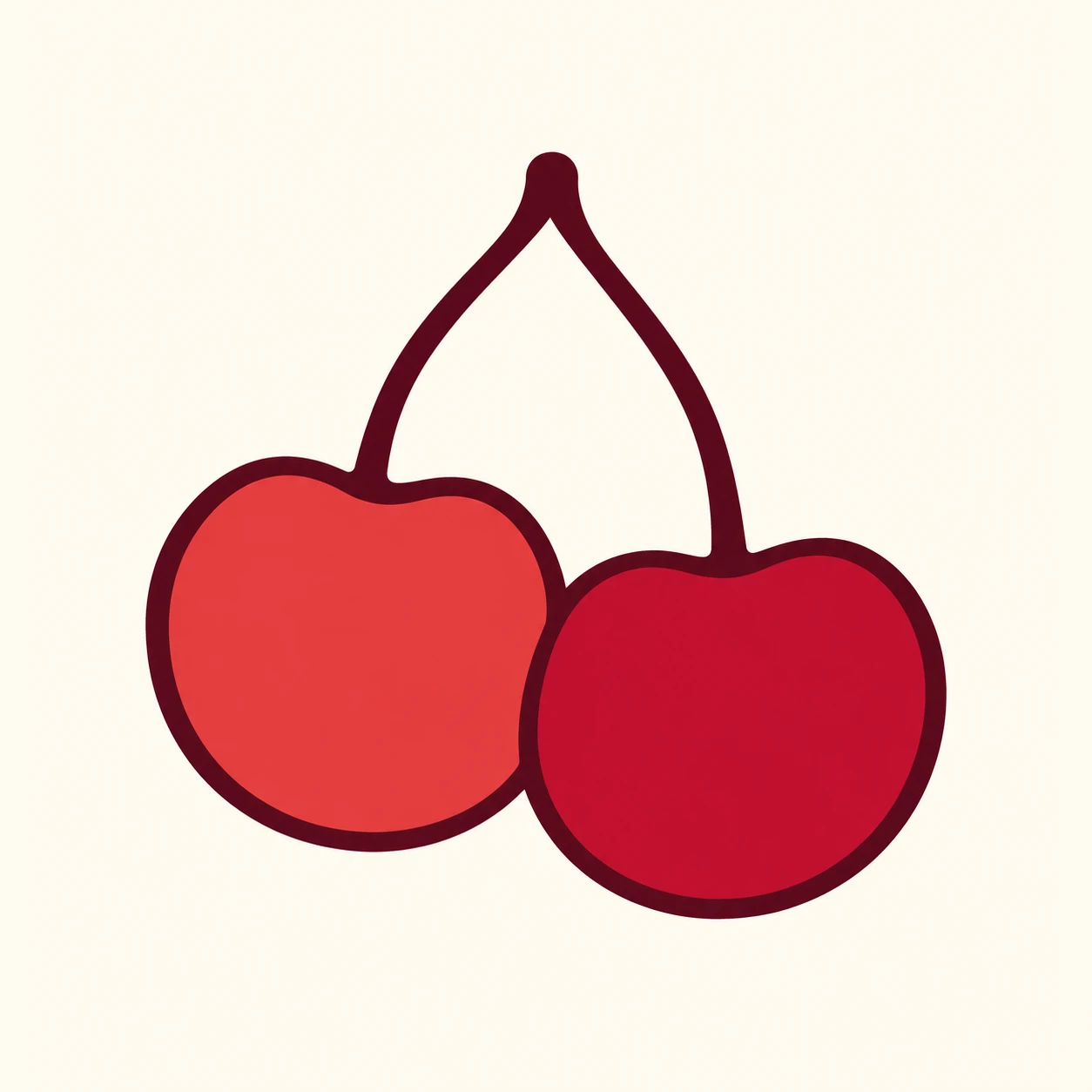
Join two touching cherries into one outer contour and draw their shared boundary only once to create a clear brand symbol at small sizes.
Local Cherry Stand · Shared-Edge Outlining
- Shape & line
- Construct the fruit bodies as two gently irregular rounded shapes touching along a short curved seam. Trace their combined exterior with one continuous dark outline, draw the shared seam once at the same weight, and let that seam terminate cleanly where it meets the exterior without doubled borders or dark knots.
- Color & light
- Fill the image-left cherry with muted coral red and the image-right cherry with deeper berry red, keeping both fills flat. Use dark burgundy for the outline and stems against warm ivory so the single shared seam stays readable without highlights, gradients, or cast shadows.
- Texture & material
- Render the symbol with smooth, opaque, vector-like fills and crisp edges. Keep the outline evenly substantial and the stem junction clean, preserving a simple printed-logo finish rather than adding fruit skin texture or paper grain.
- Composition
- Keep the two fruit bodies comparable in size, with the image-left body slightly raised. Curve their stems inward to meet above the shared seam, leaving an open ivory gap between the stems; center the complete silhouette with enough margin for the outline and the interior divider to read immediately.
Priority
Make the single shared boundary between the touching cherries the clearest construction feature.
What to avoid & what to check
Avoid overlapping circular outlines that create a thick lens-shaped border at the contact.
Confirm that two cherries remain recognizable and their contact contains exactly one clean dividing line.
Exact prompt for this example
SUBJECT
An original brand symbol for a local cherry stand: exactly two touching cherries with two curved stems meeting at one upper junction. The image-left cherry sits slightly higher than the image-right cherry; their fruit bodies share a short boundary.

COMPOSITION
Present one large symbol centered on a plain warm-ivory square. Show the entire fruit pair and both stems with generous surrounding space, using a straight-on flat graphic view.

STYLE GUIDE
1. Shape & line
Construct the fruit bodies as two gently irregular rounded shapes touching along a short curved seam. Trace their combined exterior with one continuous dark outline, draw the shared seam once at the same weight, and let that seam terminate cleanly where it meets the exterior without doubled borders or dark knots.

2. Color & light
Fill the image-left cherry with muted coral red and the image-right cherry with deeper berry red, keeping both fills flat. Use dark burgundy for the outline and stems against warm ivory so the single shared seam stays readable without highlights, gradients, or cast shadows.

3. Texture & material
Render the symbol with smooth, opaque, vector-like fills and crisp edges. Keep the outline evenly substantial and the stem junction clean, preserving a simple printed-logo finish rather than adding fruit skin texture or paper grain.

4. Composition
Keep the two fruit bodies comparable in size, with the image-left body slightly raised. Curve their stems inward to meet above the shared seam, leaving an open ivory gap between the stems; center the complete silhouette with enough margin for the outline and the interior divider to read immediately.

PRIORITY
Preserve the requested identity, count, action, composition and output settings. Apply the style rules within those constraints; a style reference must not replace the subject or layout. Within the style: Make the single shared boundary between the touching cherries the clearest construction feature.

AVOID
Avoid overlapping circular outlines that create a thick lens-shaped border at the contact.

OUTPUT
One square 1:1 image containing the finished symbol only, with no lettering, captions, watermark, or presentation mockup.

SELF-CHECK
Confirm that two cherries remain recognizable and their contact contains exactly one clean dividing line.
Model information comes from image provenance. The same prompt may produce a different result.