Text to imageSpace & architectureStyle guide
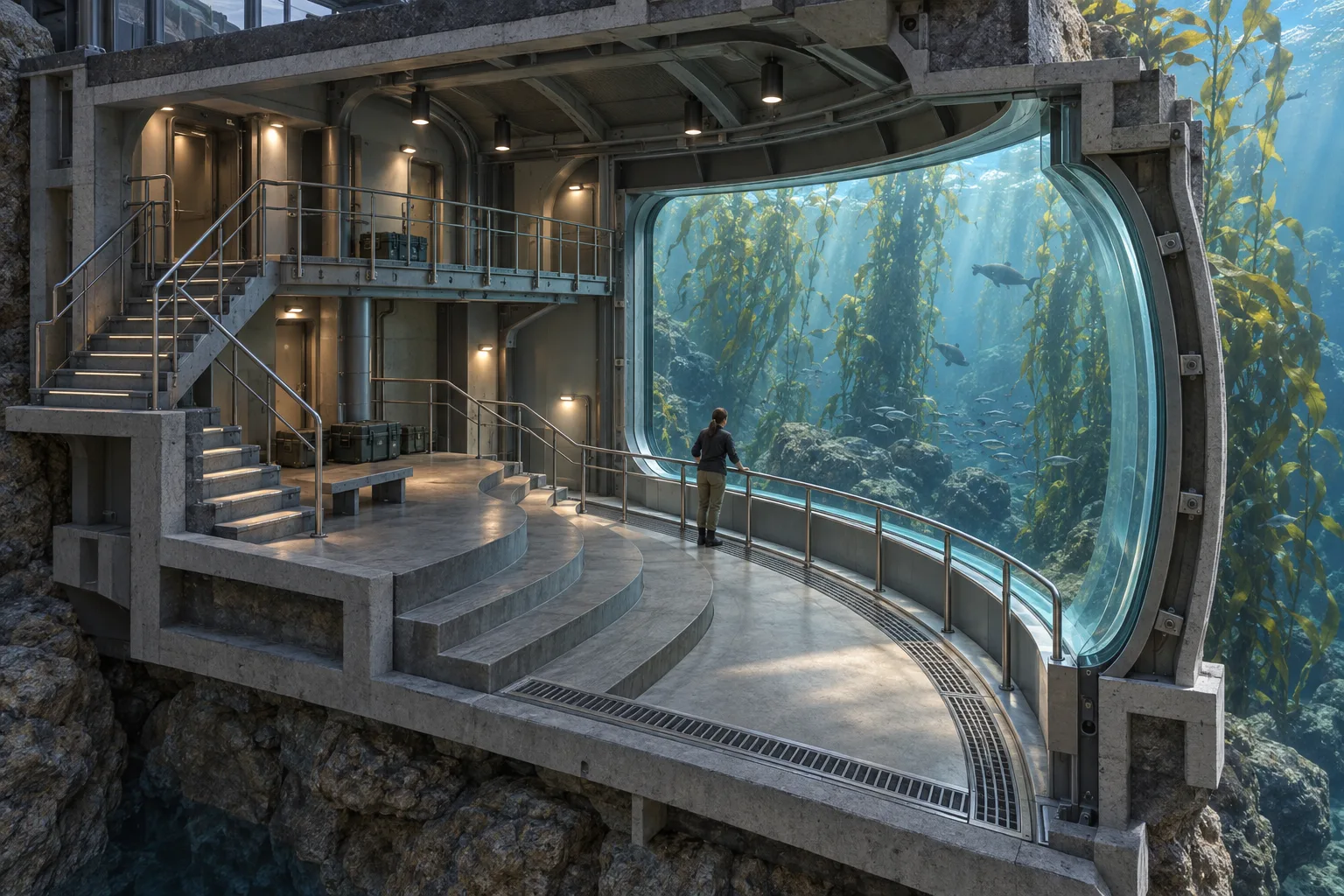
Underwater Observatory · Sectional Space Design
Use a cutaway view to explain a room's structure and circulation.
Underwater Observatory · Sectional Space Design
Change the subject; keep the visual rules.
- 1
- Remove one wall and part of the ceiling to reveal a readable section.
- 2
- Show a continuous circulation path between both floor levels.
- 3
- Give the window and structural ribs believable visible thickness.
- 4
- Separate underwater daylight from interior task lighting.
Priority
Preserve the four style rules when changing subject or composition.
What to avoid & what to check
Avoid unwanted lettering, logos and watermarks.
Check silhouette and composition at thumbnail size.
Apply to your subject
Remove one wall and part of the ceiling to reveal a readable section.
Show a continuous circulation path between both floor levels.
Give the window and structural ribs believable visible thickness.
Separate underwater daylight from interior task lighting.
Subject: [subject]. Choose a clear composition appropriate to this subject.

Priority: Preserve the four style rules when changing subject or composition.Exact prompt for this example
Exact prompt · Original
Design an original underwater observation room built into a coastal research station. Show the space as a clean architectural cutaway: one side wall and a portion of the ceiling are removed, revealing a stepped floor, a narrow upper catwalk, and a stair that connects them. A large curved viewing window faces a kelp-filled sea; one researcher stands at the lower rail for scale. Make structural ribs, window thickness, drainage channels, and handrails coherent and functional. Use soft daylight filtered through water outside and modest task lights inside. Keep the circulation path unobstructed and make the room's depth legible through overlapping planes and cast shadows. No diagrams, labels, lettering, logos, signatures, or watermarks.
Model information comes from image provenance. The same prompt may produce a different result.