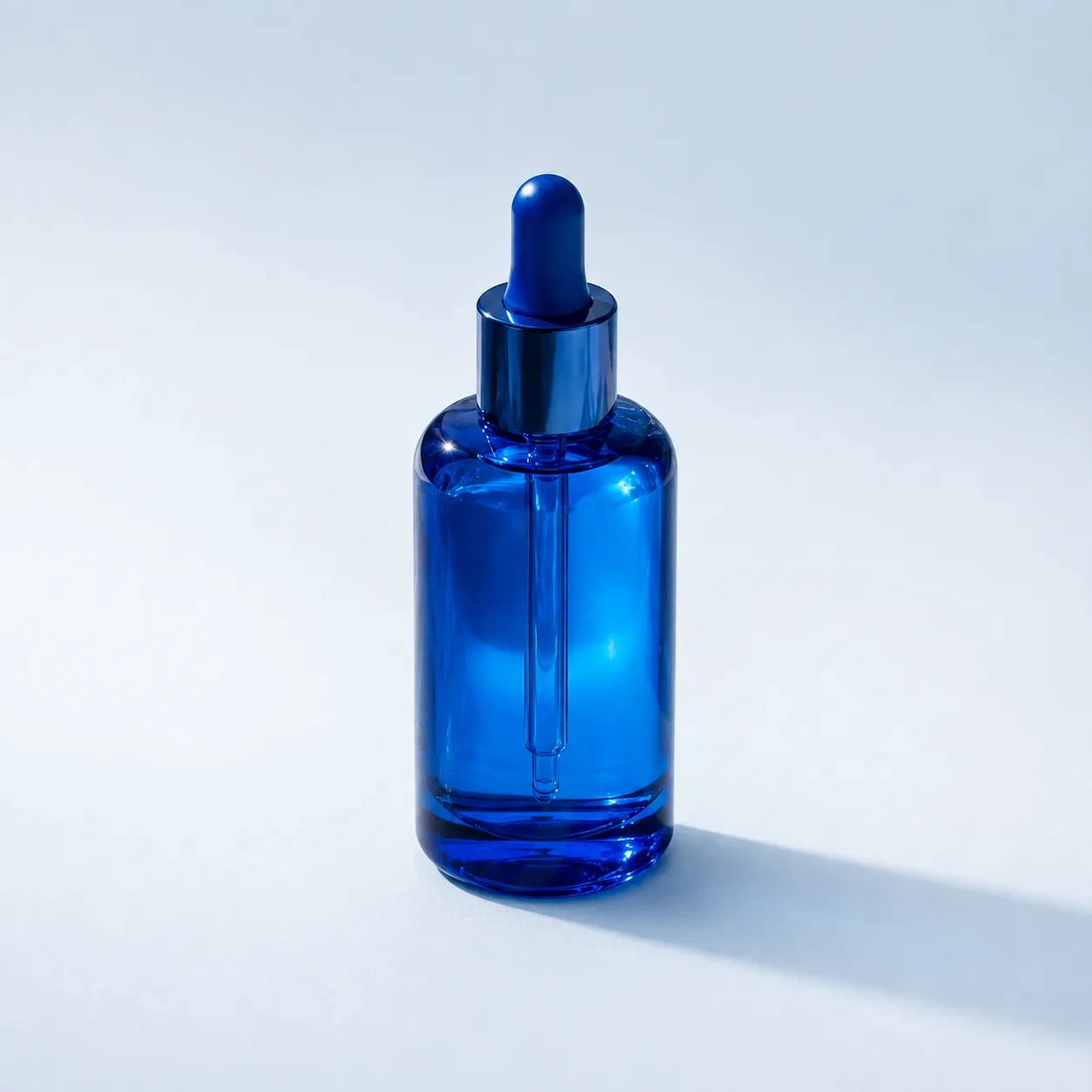
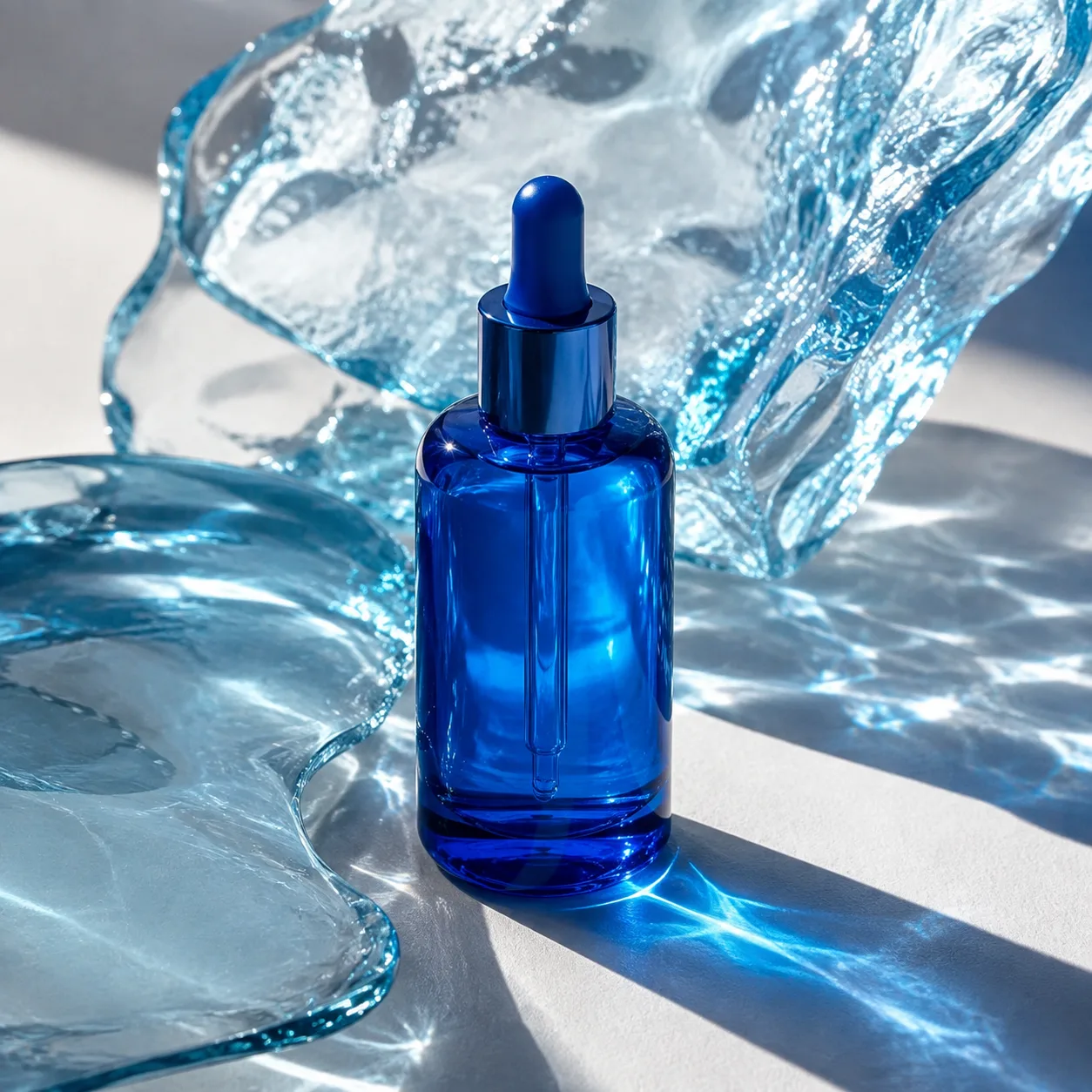
입력 이미지편집 결과
이미지 편집제품 사진
제품은 그대로, 배경은 더 조용하게
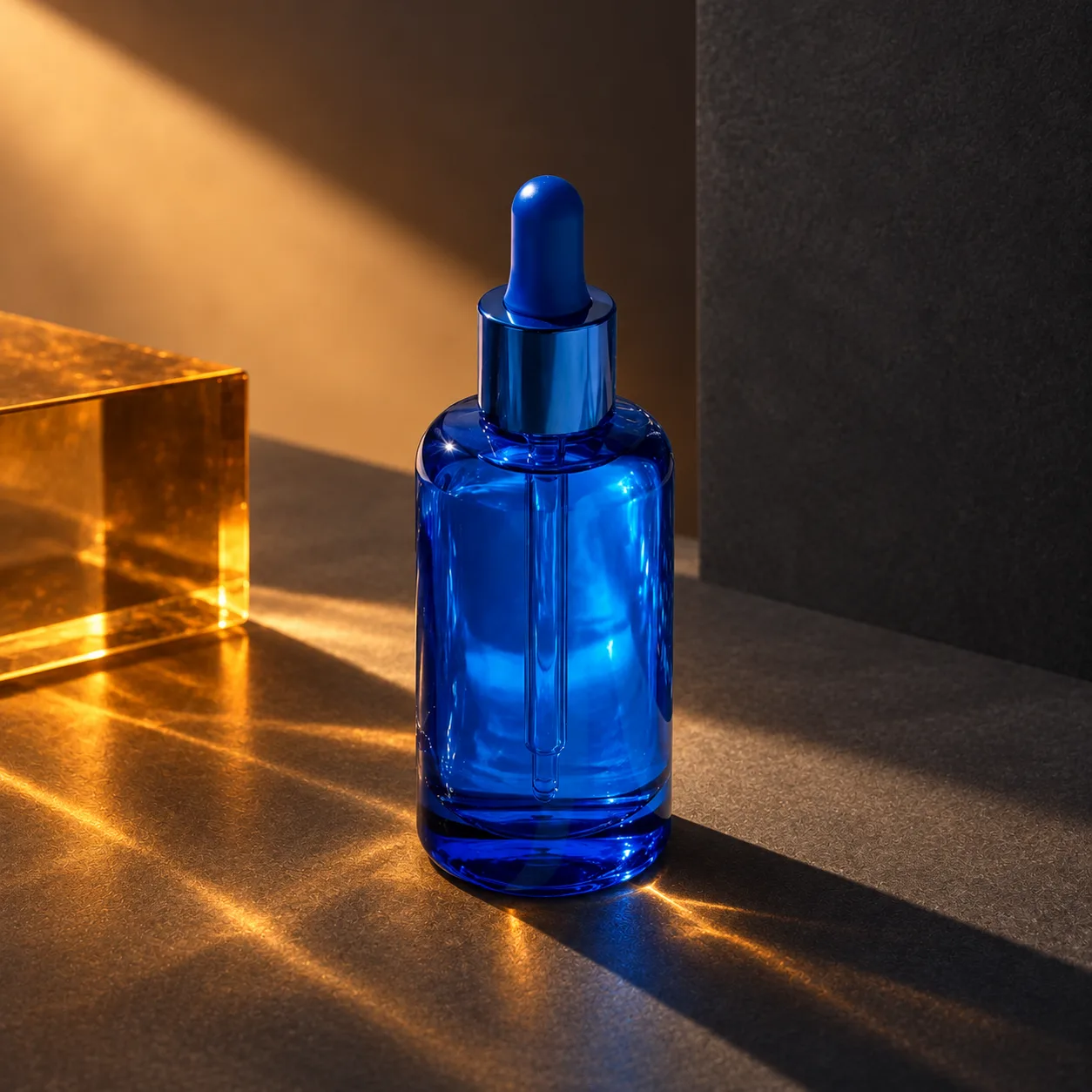
조형적인 유리 배경을 지우고 밝은 스튜디오로 바꾼 실제 편집. 슬라이더로 입력과 결과를 비교해 보세요.
이 예시의 실제 생성 프롬프트
실제 사용한 프롬프트 · 원문
Use case: precise-object-edit
Asset type: image reference gallery, actual background replacement edit
Input image: edit target is the supplied cobalt skincare bottle photograph.
Primary request: Replace the sculptural glass setting with a clean pale blue-white seamless studio background and surface.
Invariants: Preserve the exact cobalt blue bottle identity, dropper cap shape, glass shape, relative position, camera angle, scale, translucency, internal pipette and existing unlabeled appearance. There is no label in the source; do not add one. Preserve the square composition.
Change only the surrounding setting: remove all sculptural glass props and complex caustics in the environment; use a quiet pale studio backdrop and a simple natural contact shadow beneath the same bottle. Keep realistic product-photo lighting and a crisp bottle silhouette.
Constraints: no text, no logos, no watermark, no UI.
모델명은 이미지 출처 정보 기준입니다. 같은 프롬프트를 사용해도 결과는 달라질 수 있습니다.
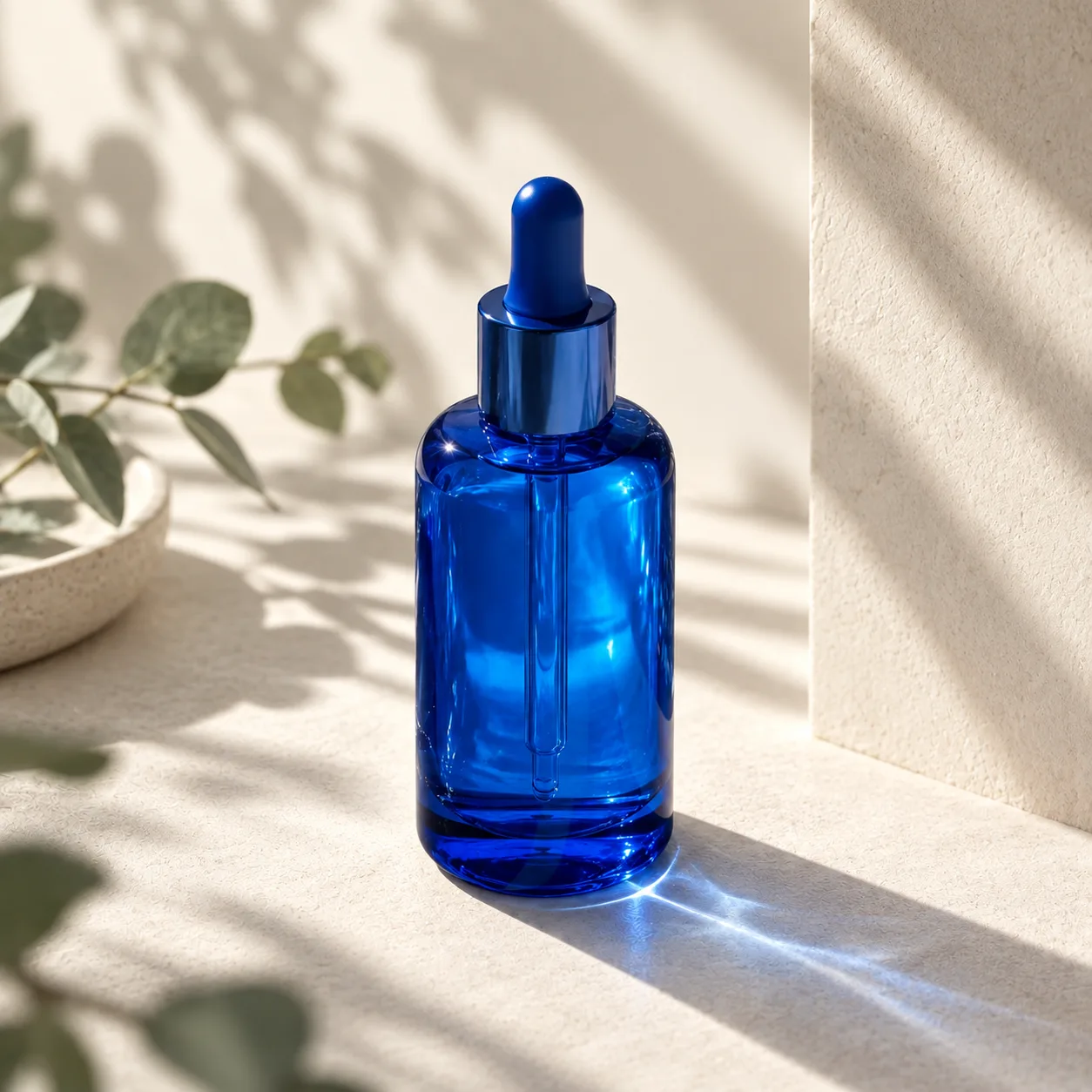 세럼 배경 편집 · 창가의 아침 · 조형 배경
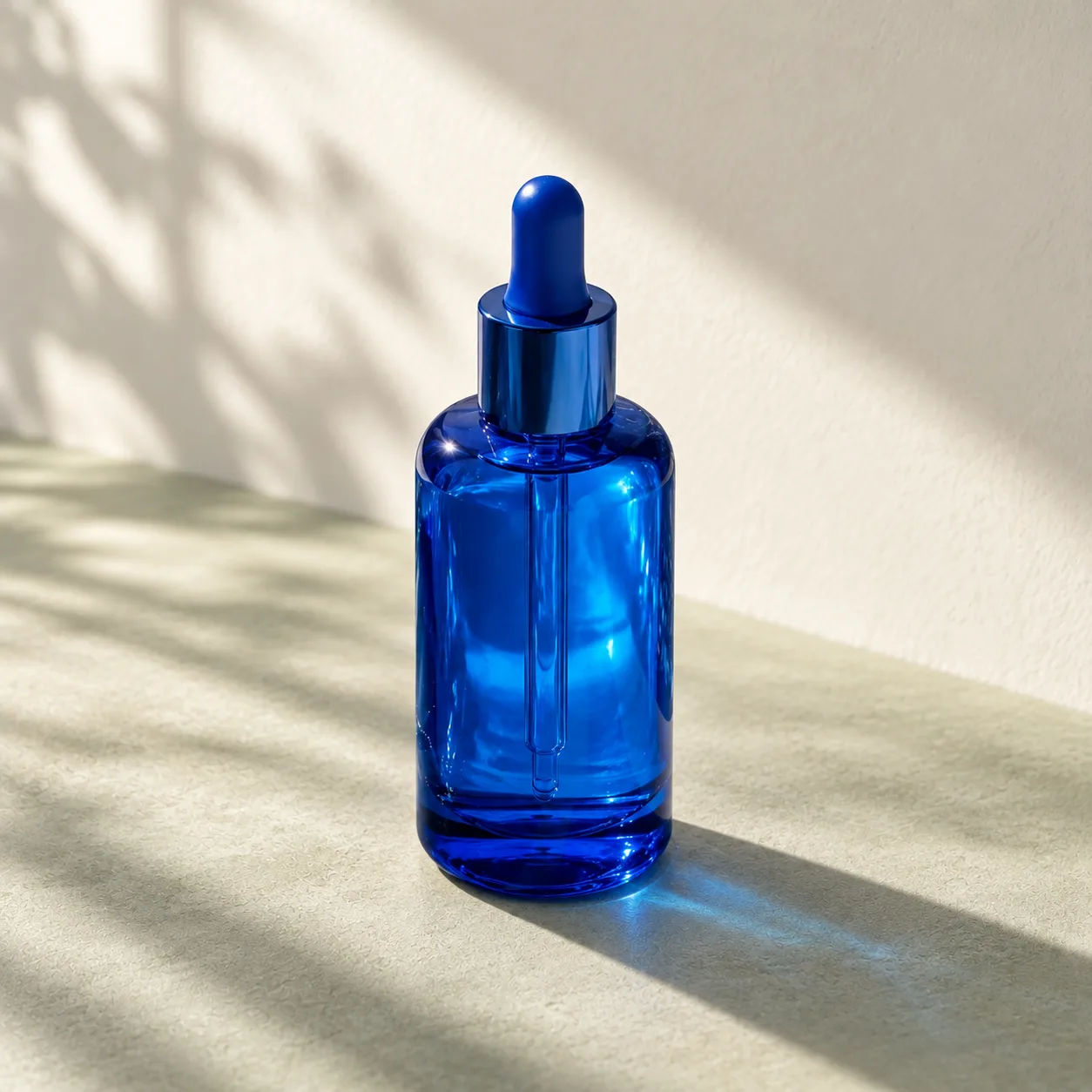 세럼 배경 편집 · 창가의 아침 · 심플 배경
 같은 제품, 새로운 배경