Image editingProductStyle guide
Serum background edit · Blue hour · Architectural
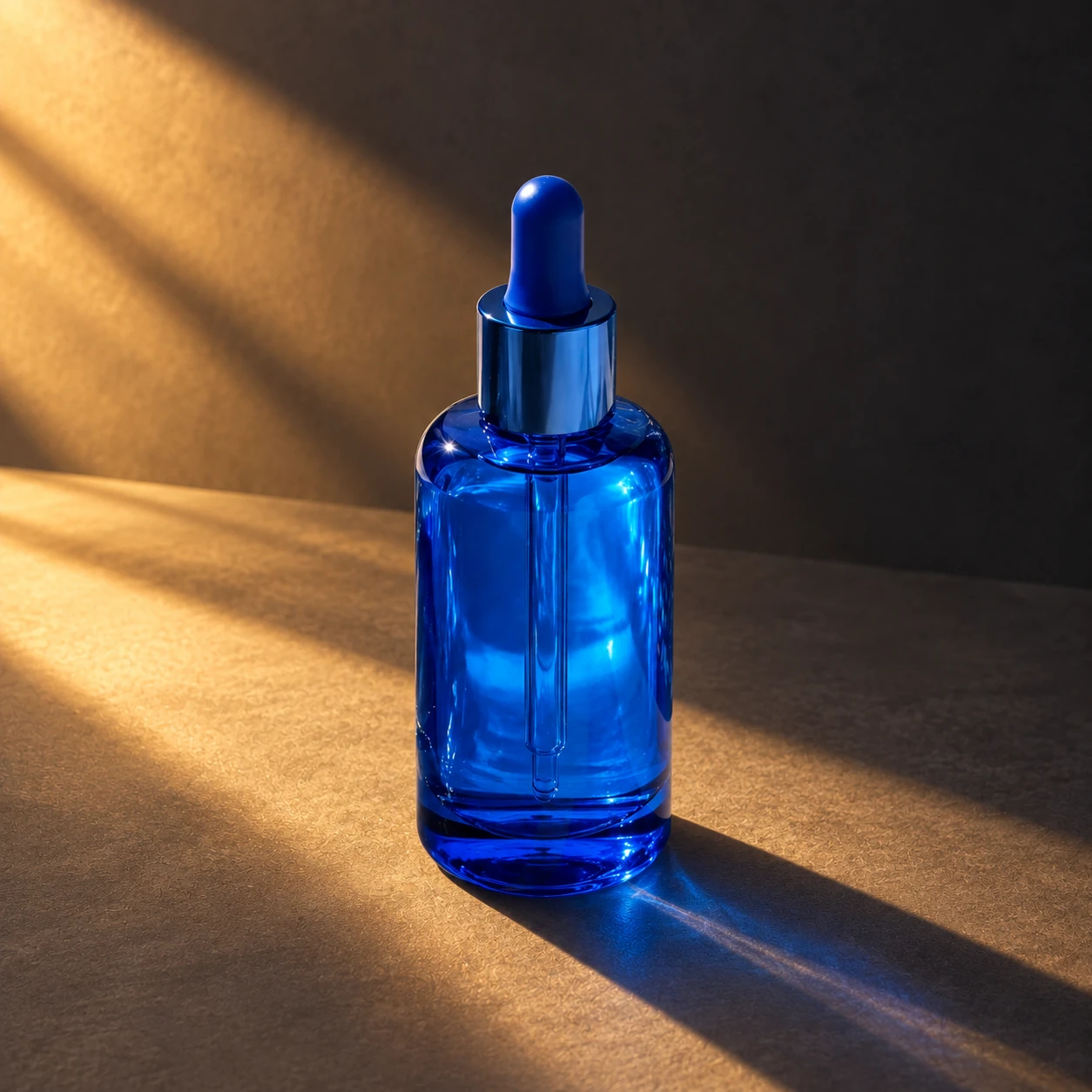
Serum background edit · Blue hour · Architectural. A study in cobalt and lavender with cool blue-hour light with a soft rim.
Remix this referenceSerum background edit · Blue hour · Architectural
- Shape & line
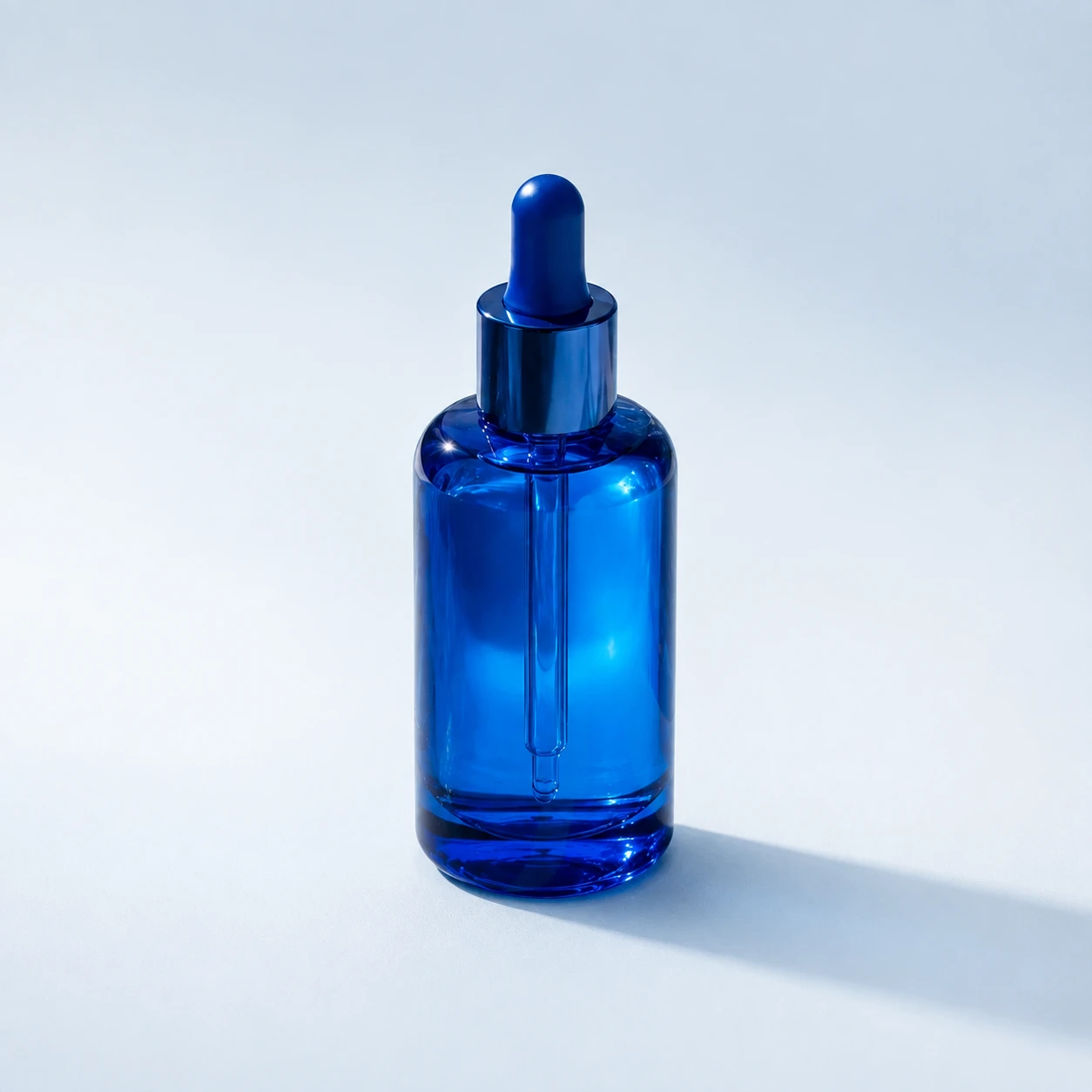
- Preserve the supplied cylindrical blue bottle, rounded dropper bulb, reflective collar and internal pipette geometry without changing the camera angle.
- Color & light
- Use cobalt and lavender with cool blue-hour light and a soft rim in the surrounding scene while preserving the product blue and coherent contact shadows.
- Texture & material
- Keep transparent cobalt glass, glossy blue collar and matte rubber distinctly photographic; preserve the existing blank surface without inventing a label.
- Composition
- Use exactly one architectural side panel with layered shadows, leaving the complete bottle unobstructed and surrounding space quiet.
Priority
Preserve the supplied product identity, proportions, blue color, cap and camera angle first; apply the new background palette and light second; refine contact shadows third.
What to avoid & what to check
Avoid extra subjects, inconsistent repeated geometry, hidden key details, crowded overlaps, unwanted text and watermarks.
Check each style rule against the finished image: visible shape construction, color and light, material treatment, and composition. Preserve the exact subject count and scene requirements.
Exact prompt for this example
SUBJECT
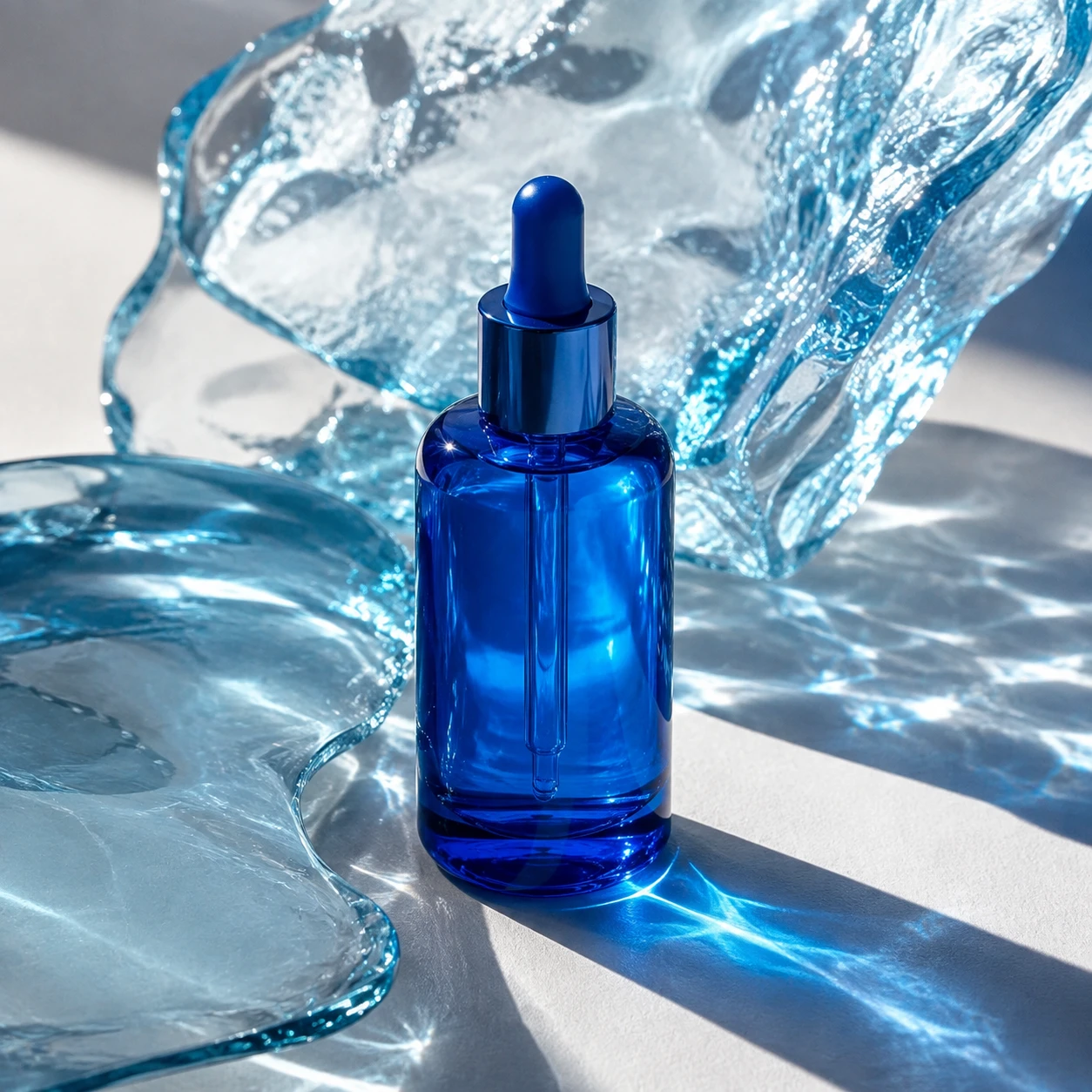
Edit the supplied serum photograph. Preserve the bottle shape, cap, blue color, label and camera angle exactly. Replace only the surrounding background. Palette: cobalt and lavender. Lighting: cool blue-hour light with a soft rim. Art direction: cinematic close-up, refined reflections and deep gradients. Background arrangement: one architectural side panel and layered shadows. Keep realistic contact shadows and the product clearly visible. No extra lettering, logos or watermark. Square image.

COMPOSITION
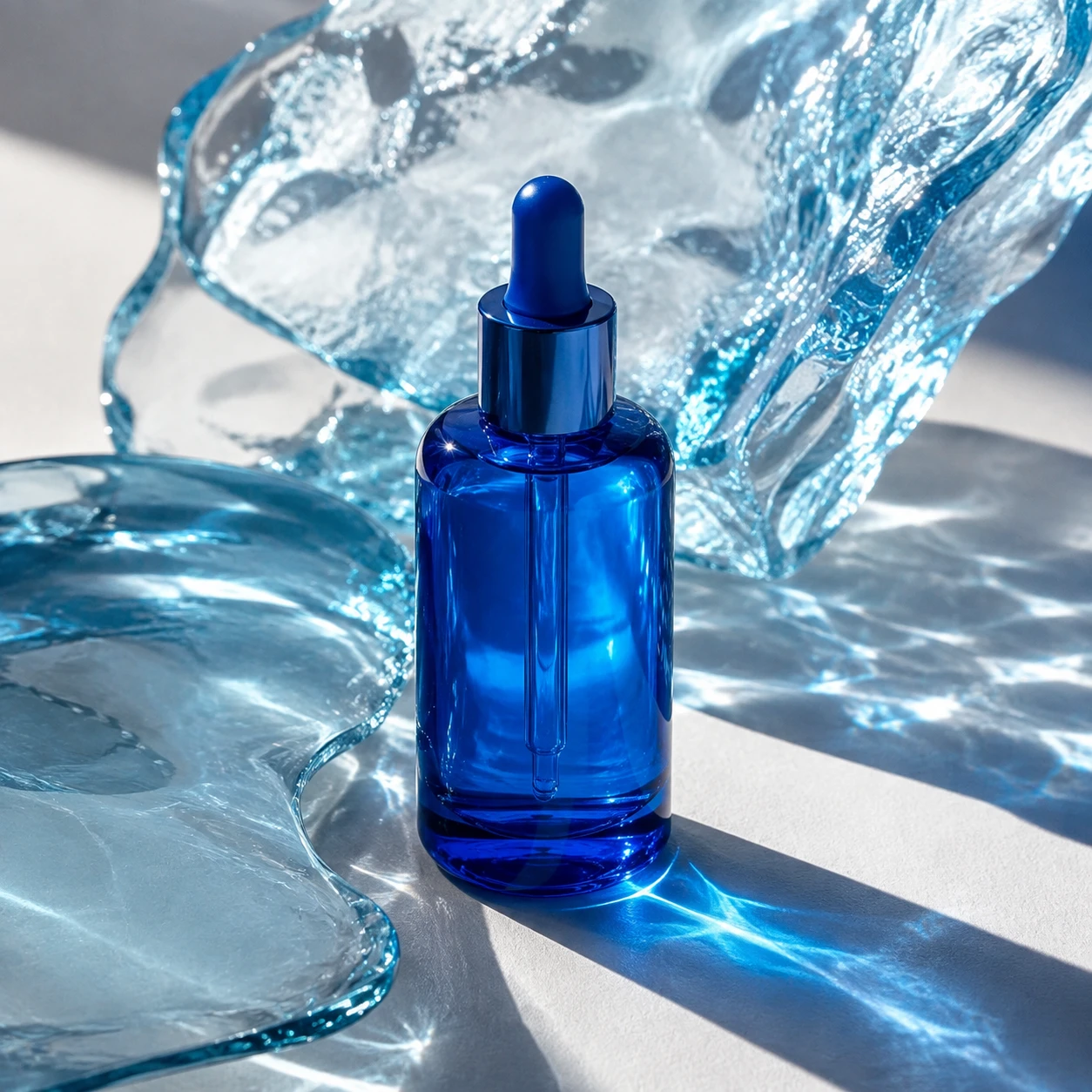
Edit the supplied original photograph as the sole product reference. Preserve the cobalt-blue cylindrical dropper bottle, blue rubber bulb, reflective blue collar, internal pipette, blank unlabelled surface and elevated camera angle. Remove the original surrounding glass slabs. Change only the background to one architectural side panel and layered shadows. Keep the entire original bottle visible, retaining its proportions and identity. Do not invent a label.

STYLE GUIDE
1. Shape & line
Preserve the supplied cylindrical blue bottle, rounded dropper bulb, reflective collar and internal pipette geometry without changing the camera angle.

2. Color & light
Use cobalt and lavender with cool blue-hour light and a soft rim in the surrounding scene while preserving the product blue and coherent contact shadows.

3. Texture & material
Keep transparent cobalt glass, glossy blue collar and matte rubber distinctly photographic; preserve the existing blank surface without inventing a label.

4. Composition
Use exactly one architectural side panel with layered shadows, leaving the complete bottle unobstructed and surrounding space quiet.

PRIORITY
Preserve the requested identity, count, action, composition and output settings. Apply the style rules within those constraints; a style reference must not replace the subject or layout. Within the style: Preserve the supplied product identity, proportions, blue color, cap and camera angle first; apply the new background palette and light second; refine contact shadows third.

AVOID
Avoid extra subjects, inconsistent repeated geometry, hidden key details, crowded overlaps, unwanted text and watermarks.

OUTPUT
One square photographic edit. Fully opaque canvas. Preserve the original bottle and its blank surface; no added lettering, logos, watermarks or interface.

SELF-CHECK
Check each style rule against the finished image: visible shape construction, color and light, material treatment, and composition. Preserve the exact subject count and scene requirements.
Model information comes from image provenance. The same prompt may produce a different result.
Variations on this reference 10
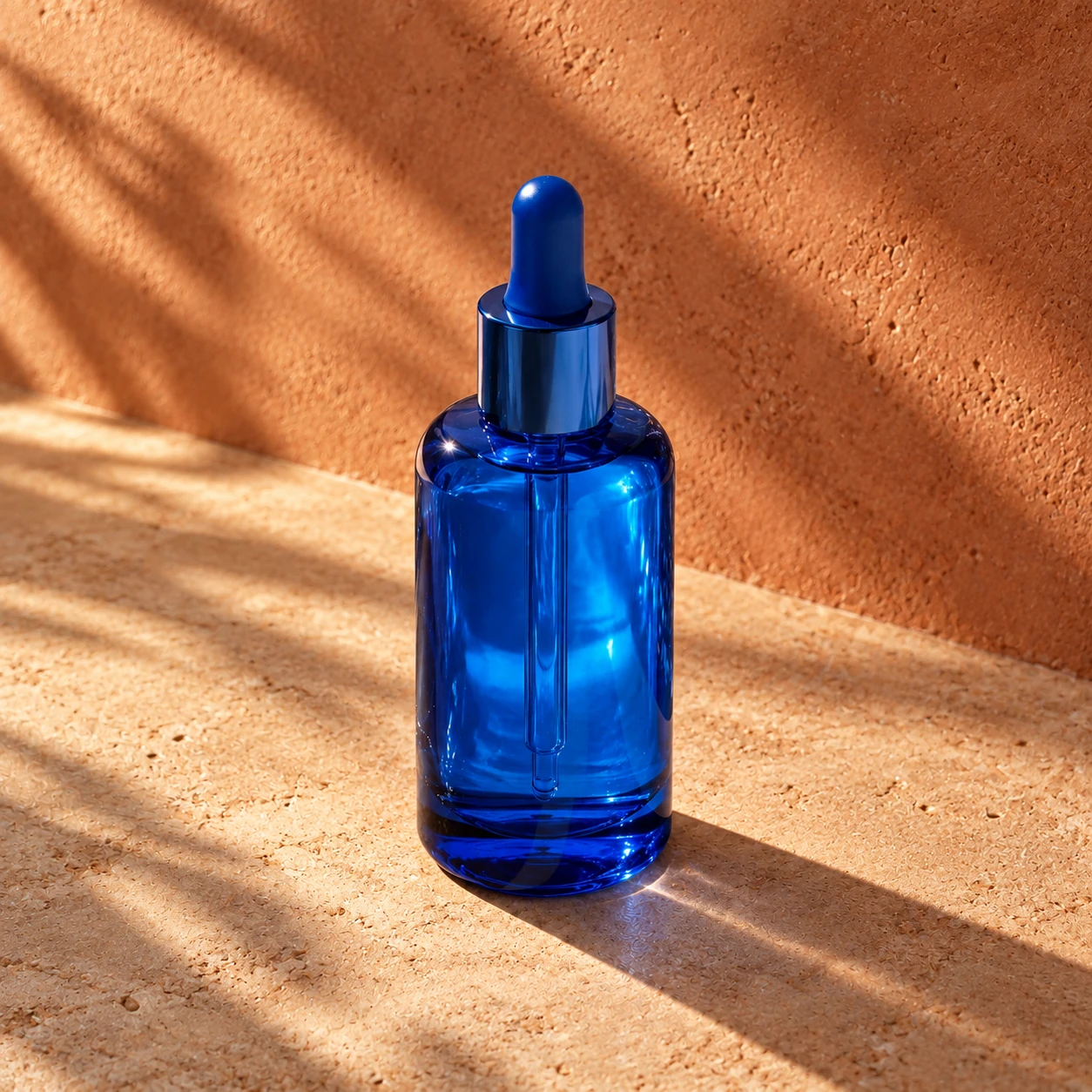 Serum background edit · Warm afternoon · SeamlessView image & prompt
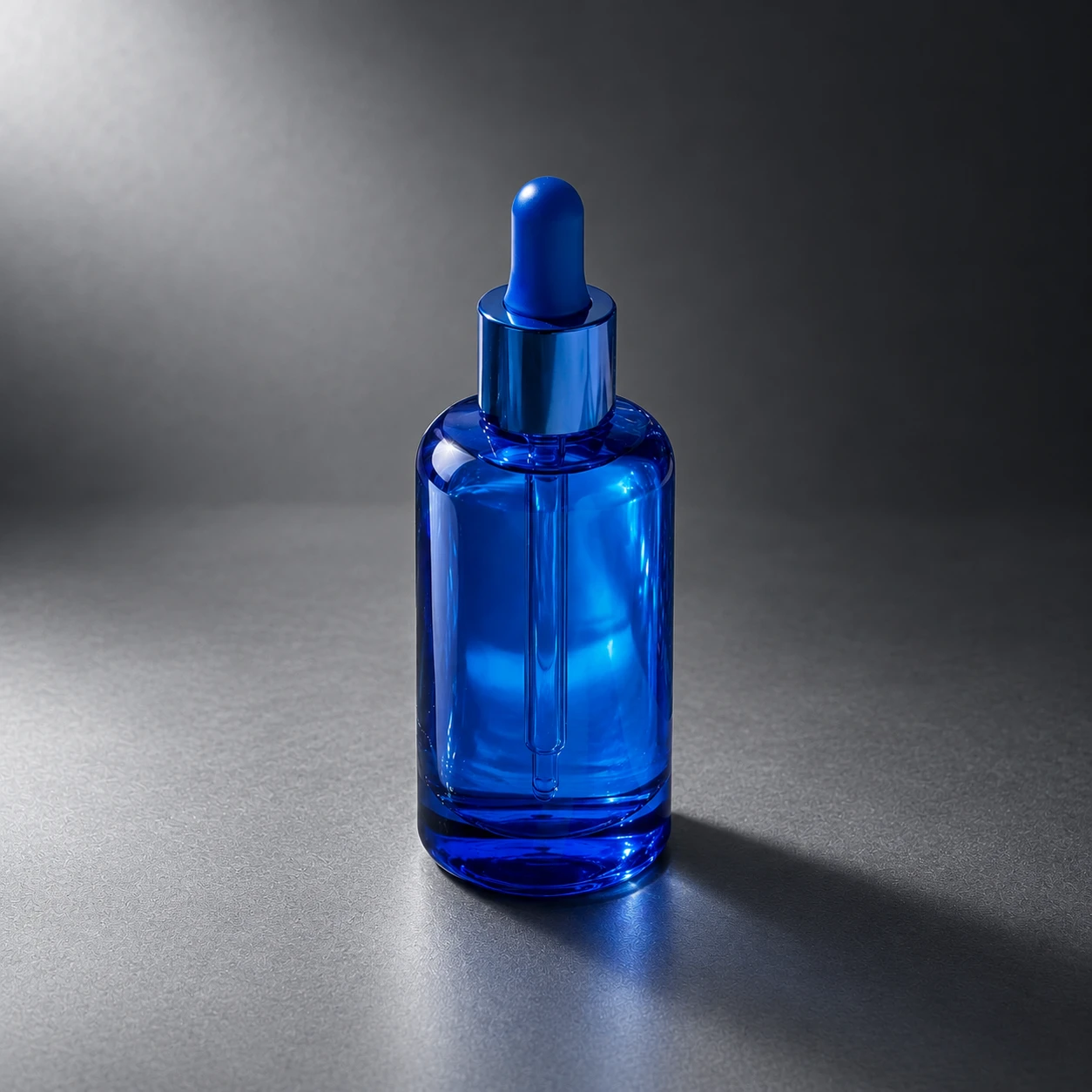 Serum background edit · Monochrome studio · SeamlessView image & prompt
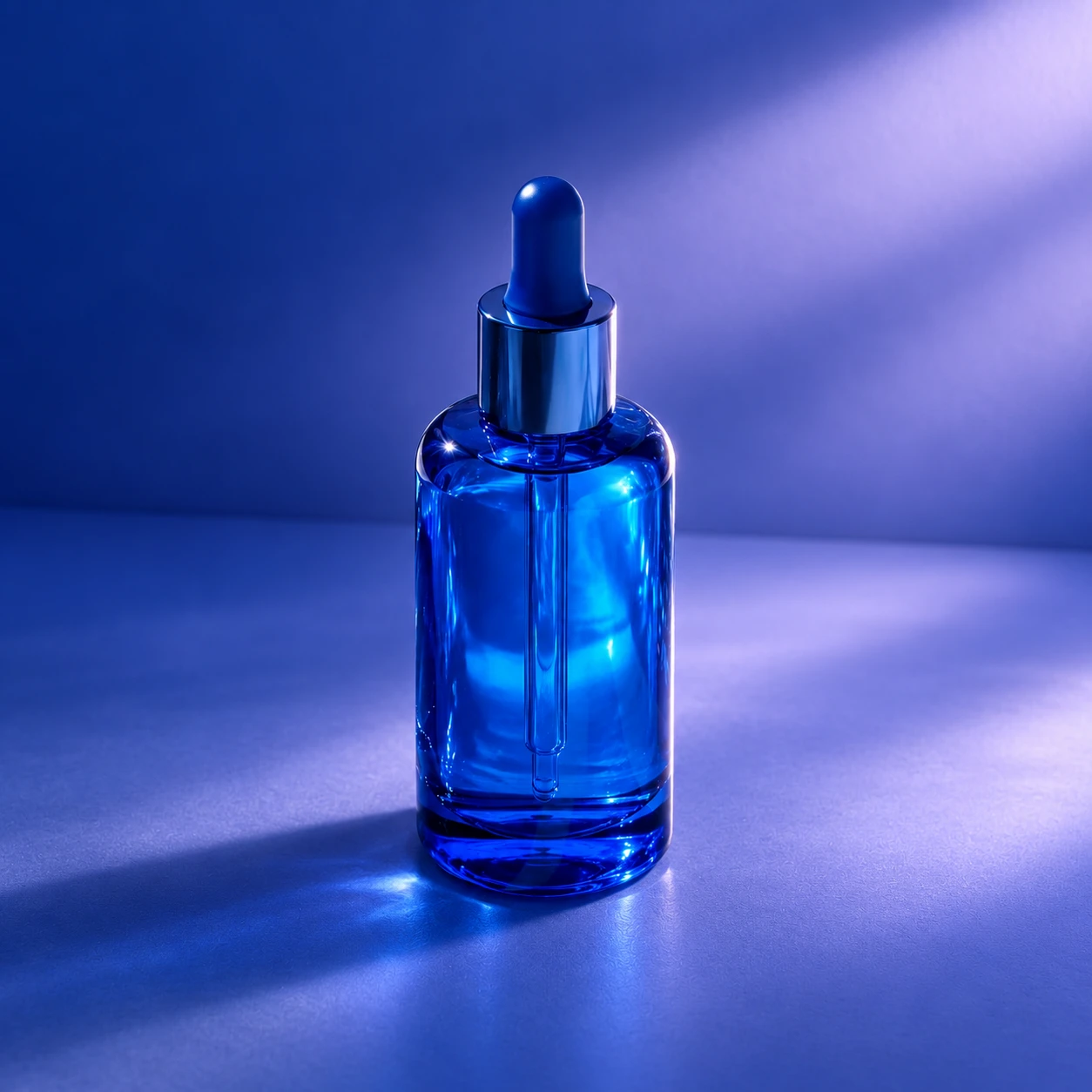 Serum background edit · Blue hour · SeamlessView image & prompt
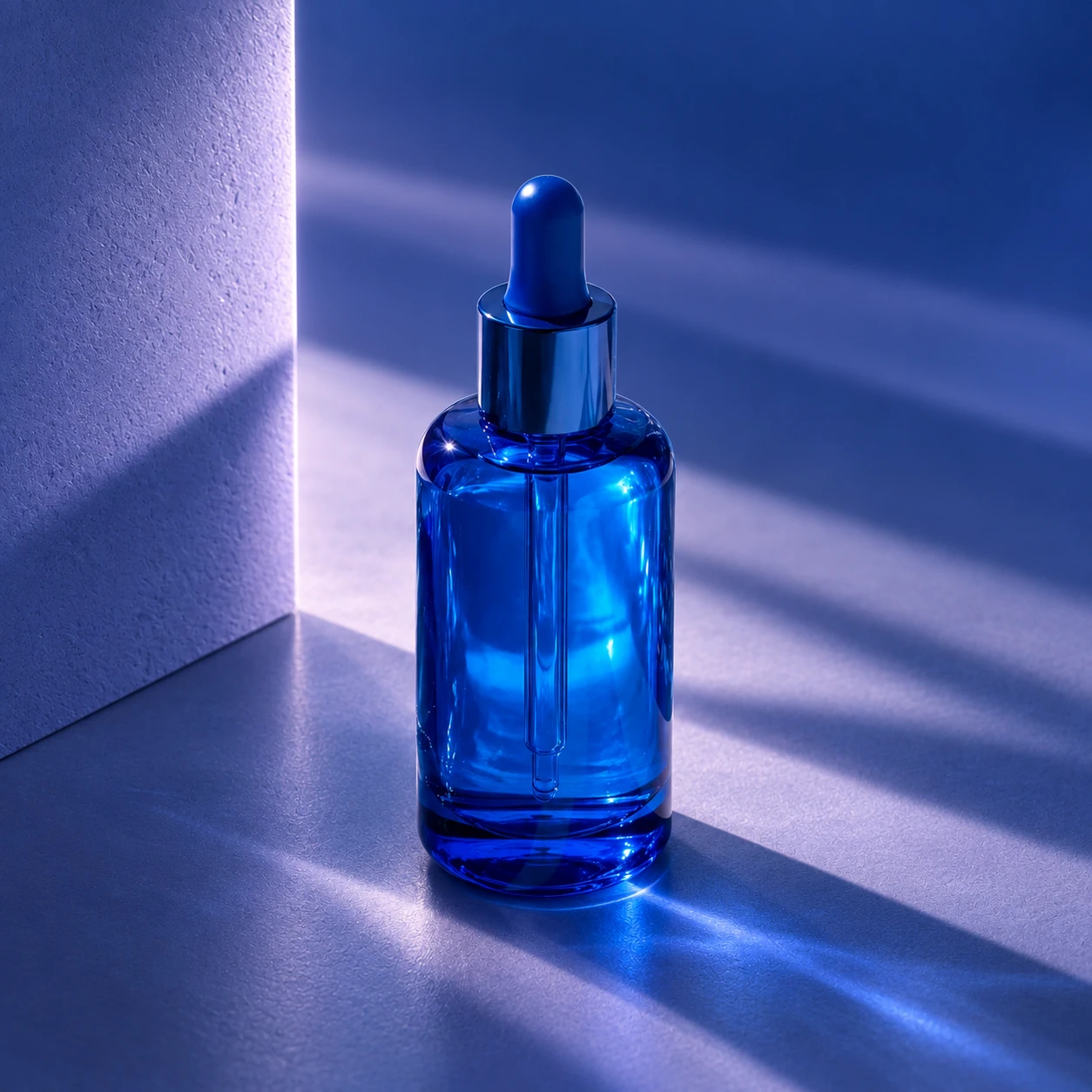 Serum background edit · Blue hour · ArchitecturalCurrent image
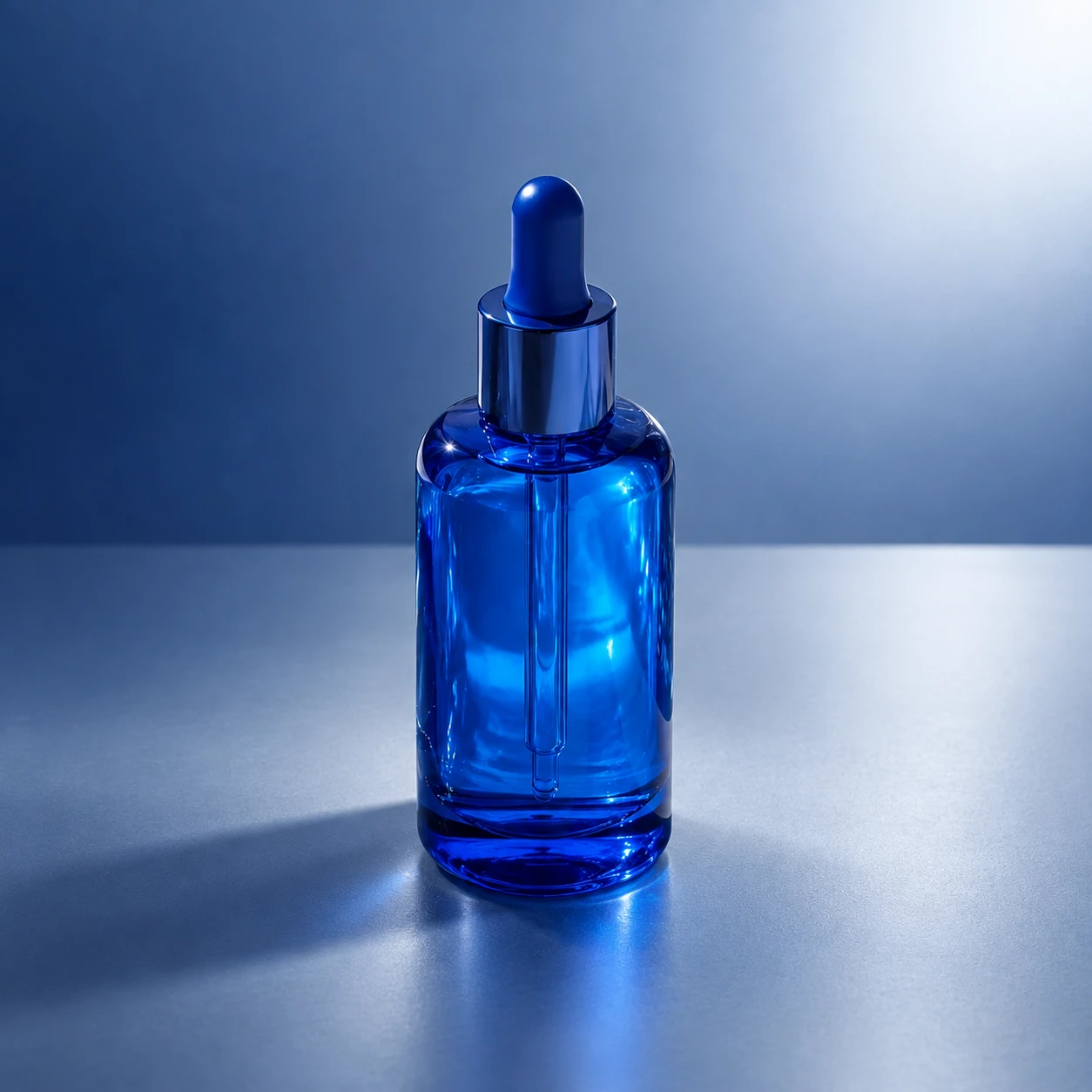 Same product, a new settingView image & prompt
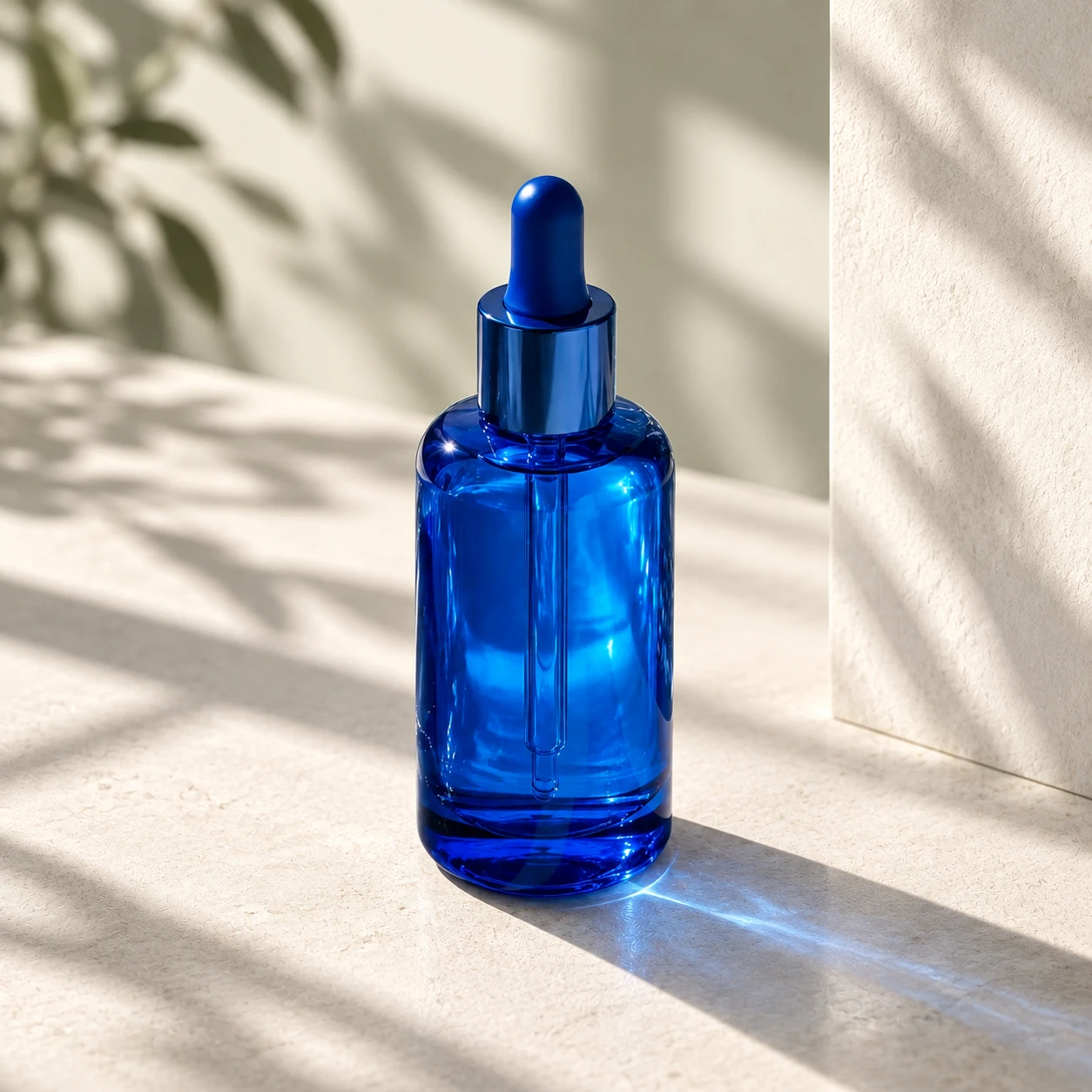 Serum background edit · Morning by the window · ArchitecturalView image & prompt
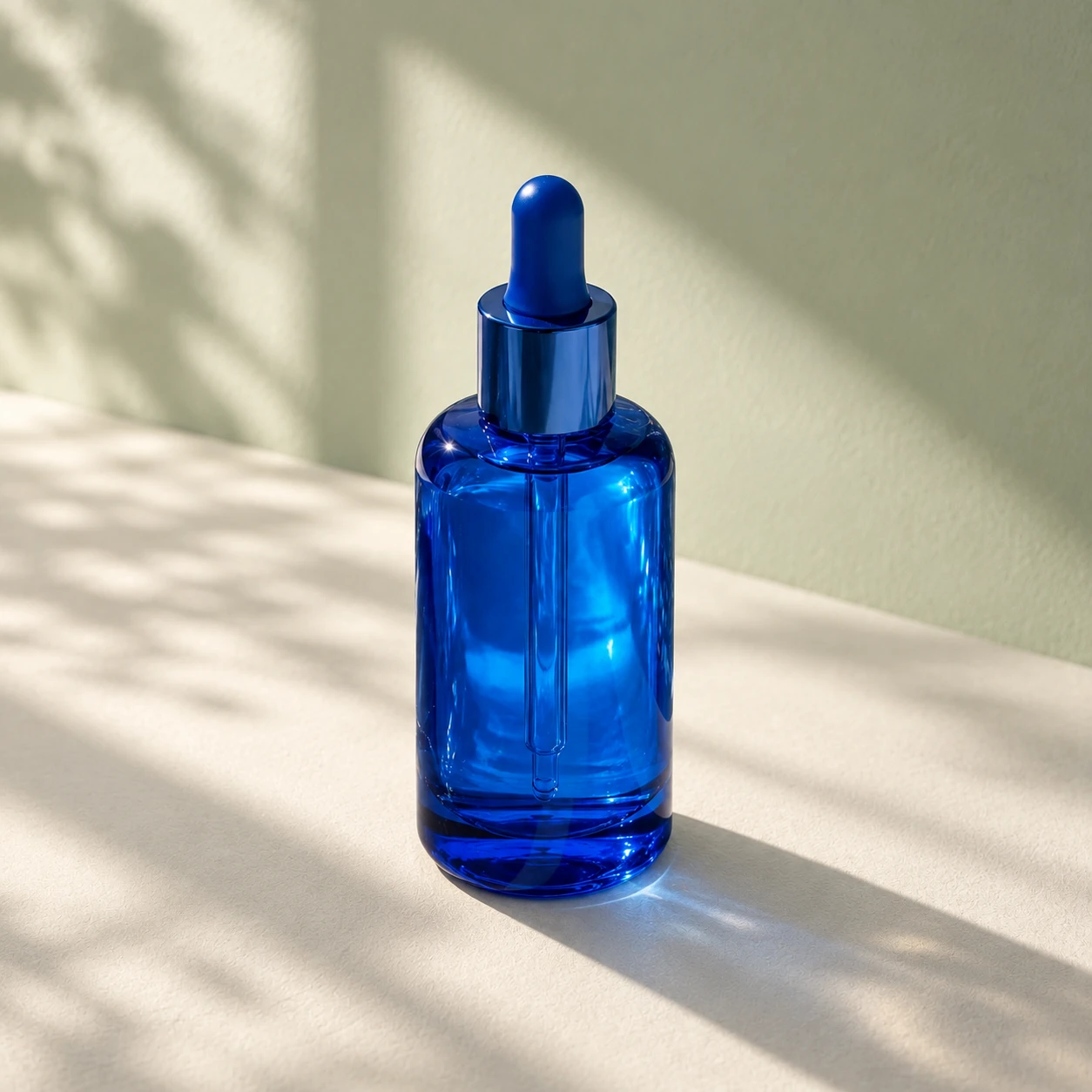 Serum background edit · Morning by the window · SeamlessView image & prompt
 Same product, a new settingView image & prompt
 A serum study in blueView image & prompt
 Same bottle. A quieter setting.View image & prompt